thanks to Adobe for partnering with me on how to make a custom pumpkin carving template
Ever wanted to make your own custom pumpkin carving template but just didn’t know how? Then this post is for you! With a simple photo of your pet (or anything else you’d like), you can create your own custom pumpkin carving template in minutes with Adobe Photoshop Elements 15. It’s such a simple project – but it really means that you’ll have the most unique pumpkin on the block! Who doesn’t love that? Want to get started…? Let me show you how.
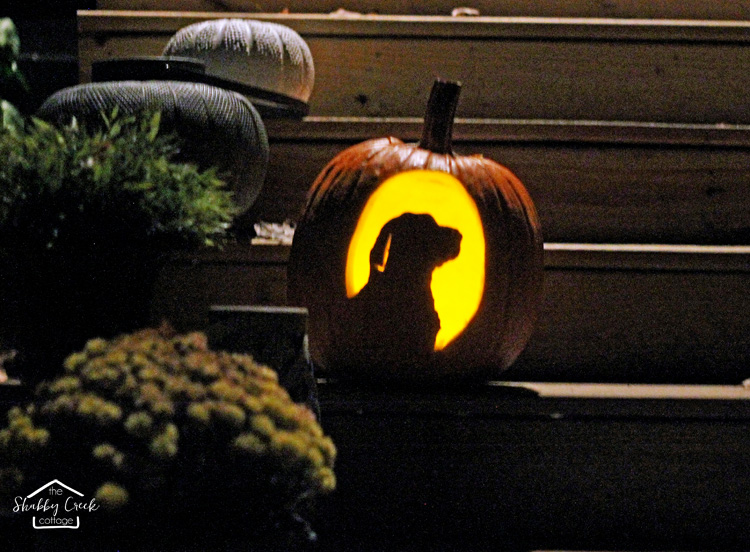
HOW TO MAKE A CUSTOM PUMPKIN CARVING TEMPLATE
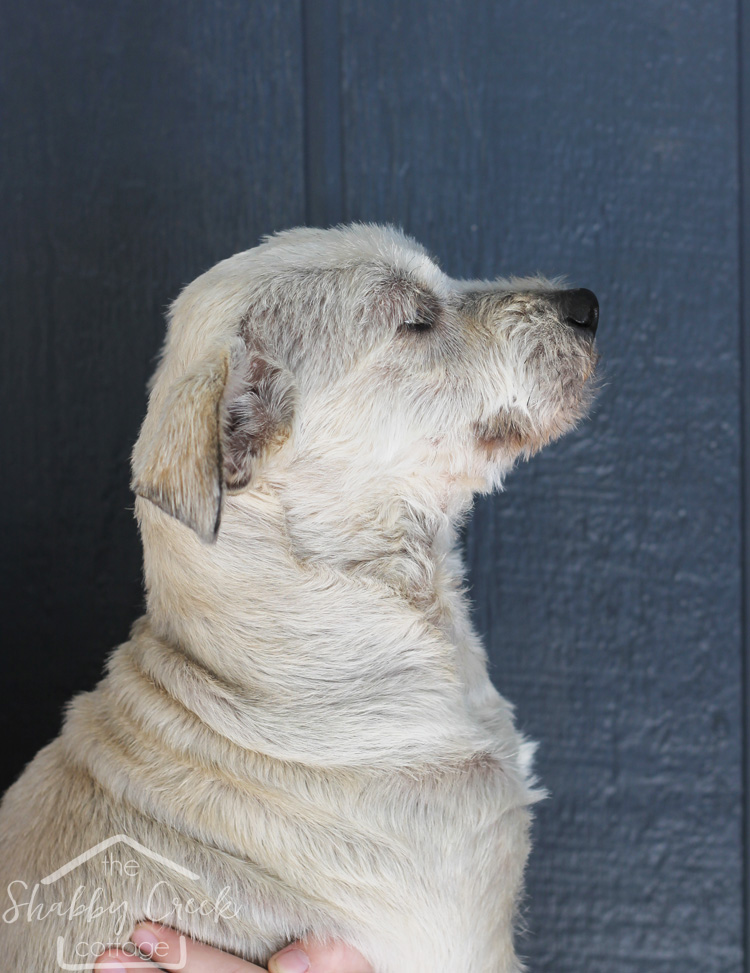
First we’ll start with the process in Adobe Photoshop Elements 15. I have used Photoshop Elements for years, so it’s what I’m most comfortable with – and I honestly believe that it’s one of the most user friendly photo editing programs out there. So I’m partnering with Adobe to bring you a series of projects to share tips on using the recently released version – starting with this one.
We used a picture of our sweet Sophie to create our image. Just watch the quick video below for a step-by-step walkthrough of how to create the template.
If you need more help with, be sure to check out the Photoshop Elements channel on YouTube.
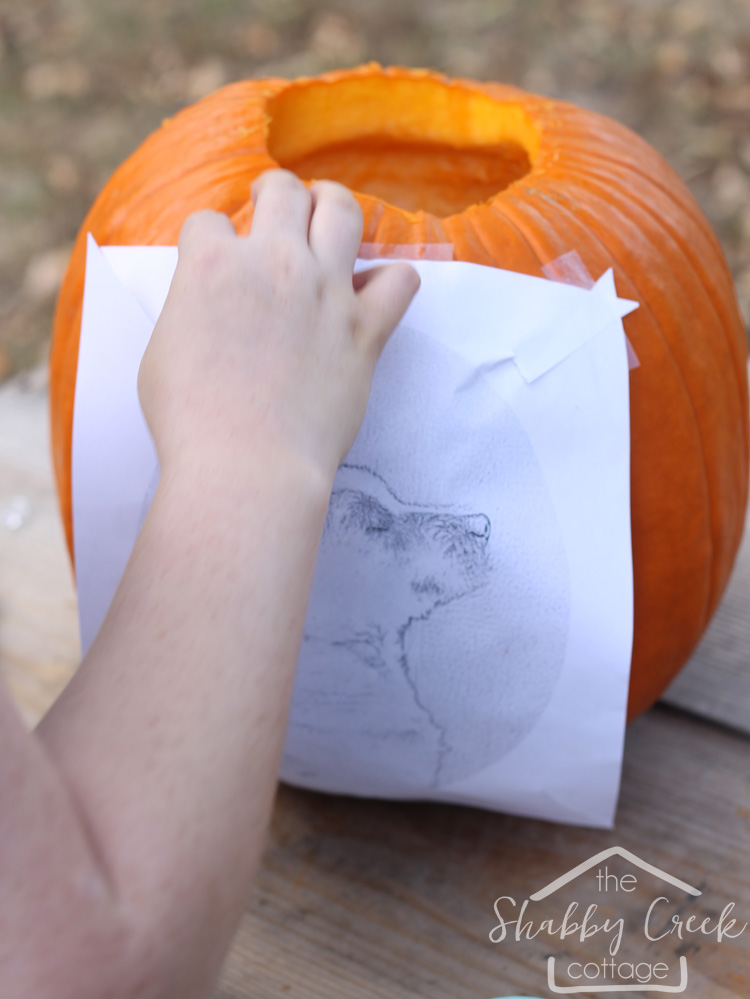
After you’ve finished making the template on Adobe Photoshop Elements 15, use tape to put the template on the pumpkin. Add small slits to the edge of the paper to help it form to the pumpkin.
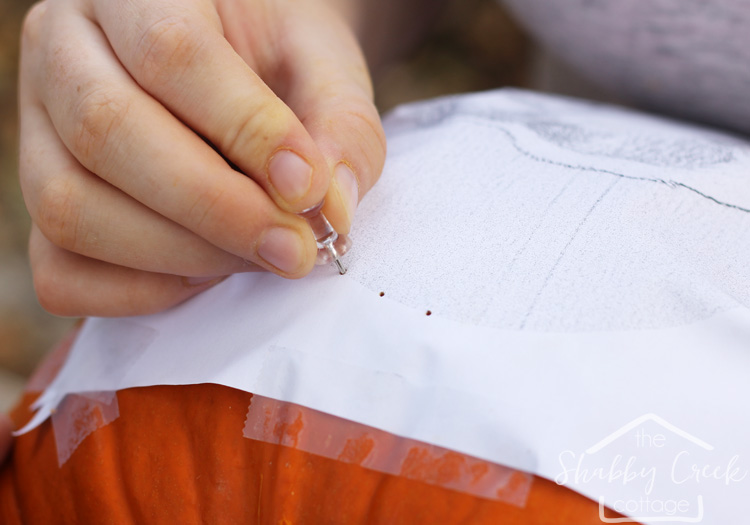
Next, take a push pin and go around the edge of the pumpkin, making tiny holes for the cutting guide. If you’re more experienced, you’ll need fewer guide marks, but use as many as you need to get the shape right.
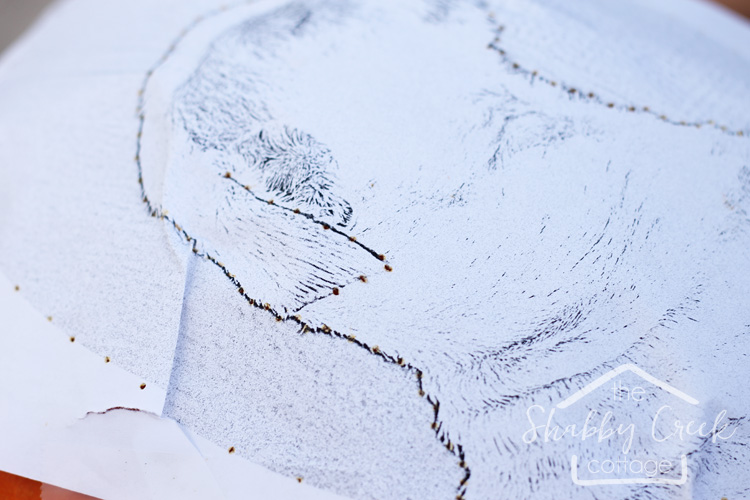
Go all the way around the edge of your custom pumpkin carving template and also around the edge of the dog (or object). We added a few to the edge of her ear for a bit more detail.
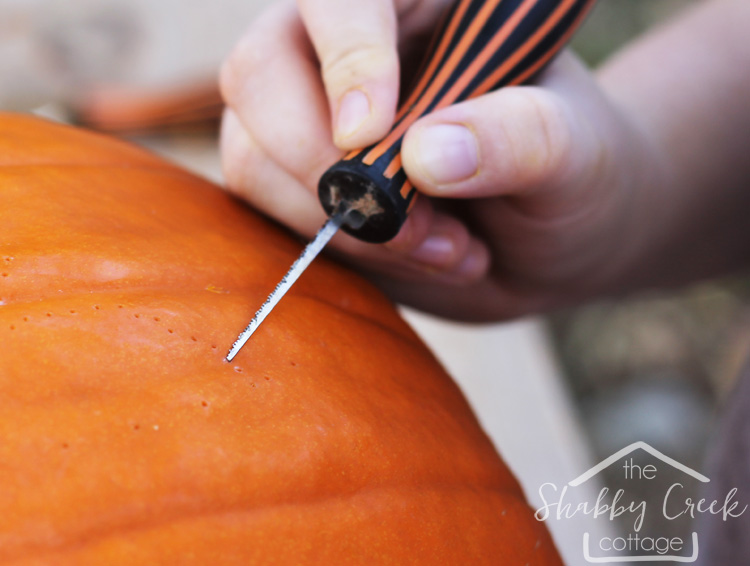
Cut along your guide lines to carve the pumpkin. Using a thin blade will help to keep the detailed lines easier to cut. Using the tool going straight through – not at an angle – to help you carve crisp lines.
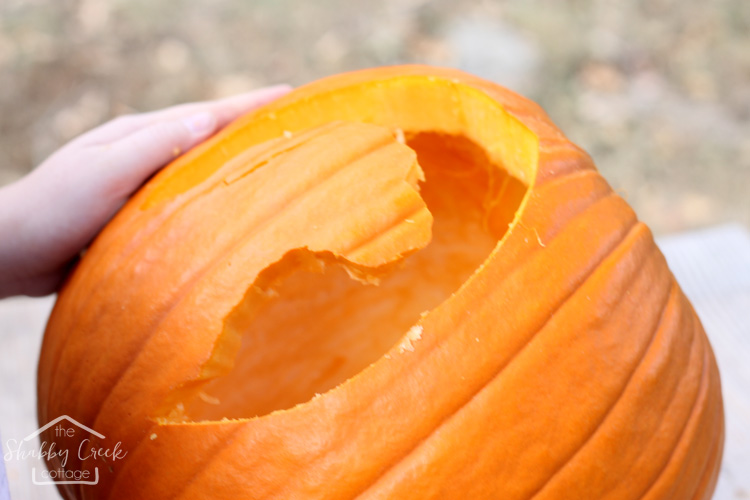
Remove the negative areas to reveal the silhouette.
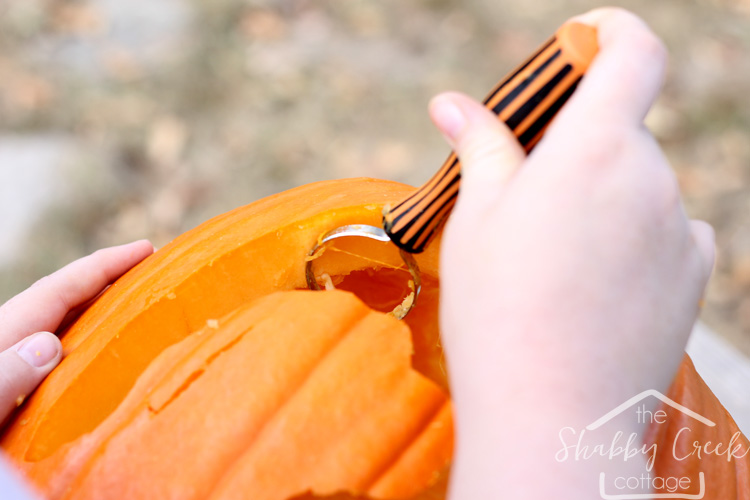
Clean up any areas with carving tools, add in a flameless candle and let it shine!
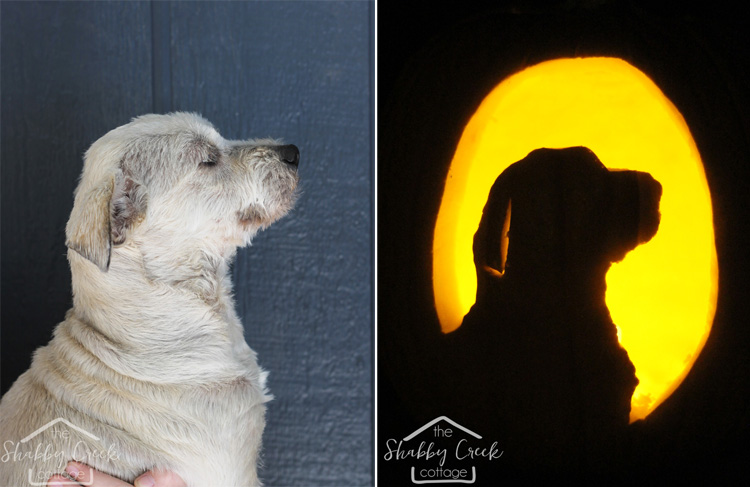
Now, what will you turn into your own custom pumpkin carving template?
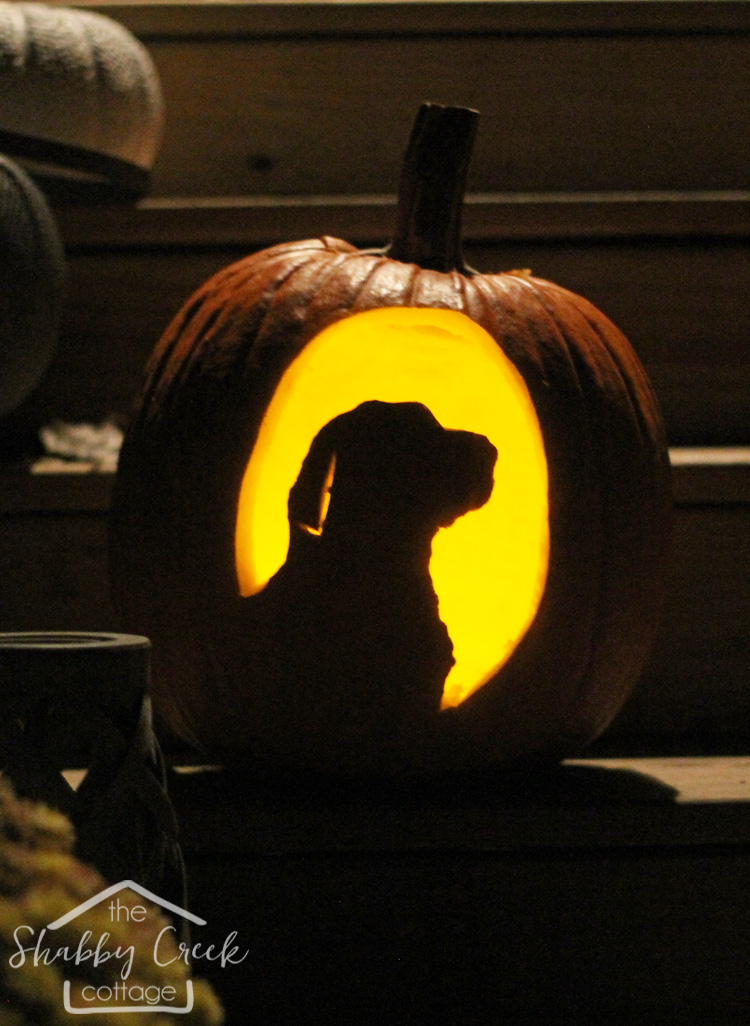
Want more pumpkin carving ideas? Check out my favorite Pretty Pumpkins!
And for more inspiration on all the wonderful things you can do with Adobe Photoshop Elements 15, be sure to follow them on Facebook, Pinterest & Twitter!
*Thanks to Adobe for sponsoring this post. All words, ideas, opinions and thoughts are 100% my own.*

Love this Gina, going to share with a few friends on FB. hope this is OK with you.
Also love tour hair. I do purple in mine when I need a lift.
Quirky. I got enough quirky in my house to last you a life time. LOL Scroll past the snow mobile photos and other dumb stuff to see quirky.
Chris
Share away Chris!!
Sweet dog! Thanks for the carving technique.
Thanks Pauline!! You are so welcome, happy carving 🙂